Pick one card. Meet the eight that belong beside it.
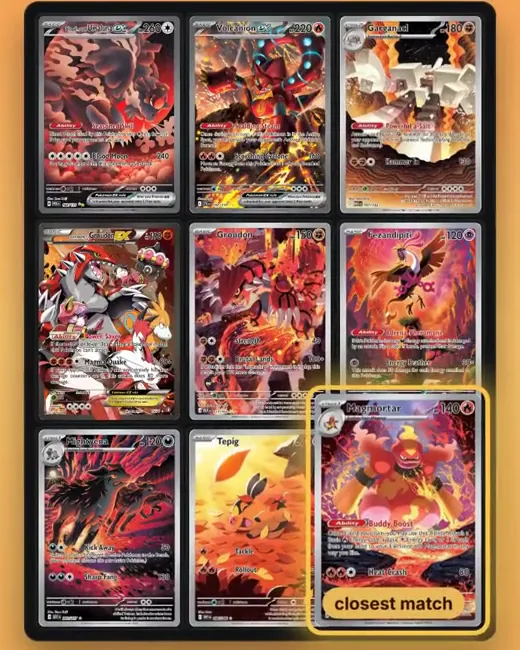
Start from a card you love. “Find Similar” flips in the cards that share its colors and mood, and marks the closest match.
The Michi method, digitized
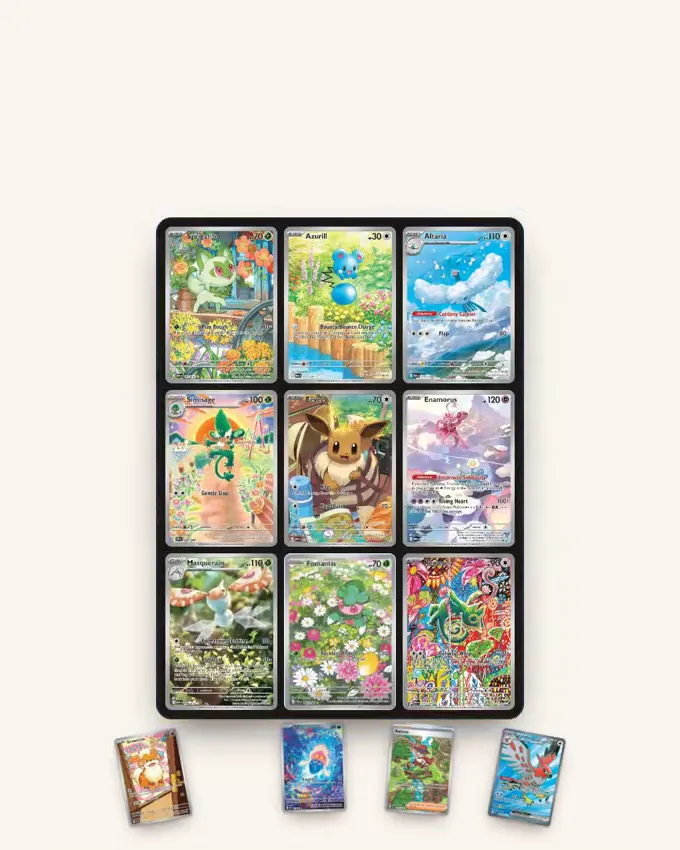
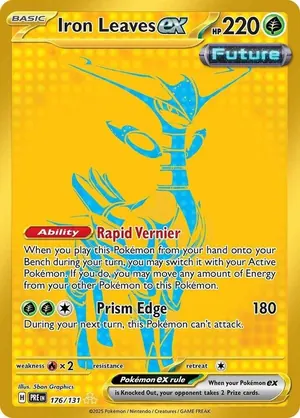
Nine cards that all came in gold.
Michi-Maker builds curated Pokémon card binders. Build a page around one card you love, then print it at true card size and slide it into a real binder.
Free to start on the web.
The tools
Five buttons do the heavy lifting. Scroll, and each one builds a page.
Start from a card you love. “Find Similar” flips in the cards that share its colors and mood, and marks the closest match.
“Suggest” finds cards that fit what is already on the page: “Same theme”, “Same palette”, or “≈ Like the whole page”. They wait in your hand; drag the ones you like into the empty pockets.
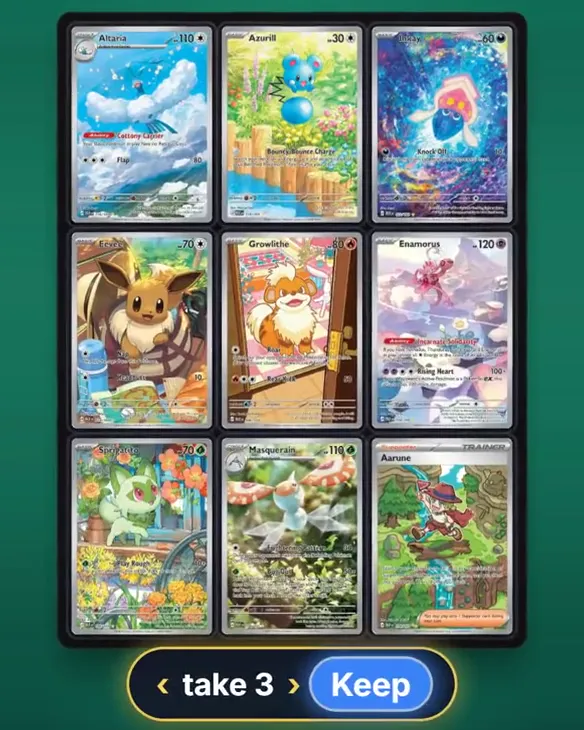
“Arrange” tries new seatings of the cards on your page. Flip through the takes and “Keep” the one that reads best.
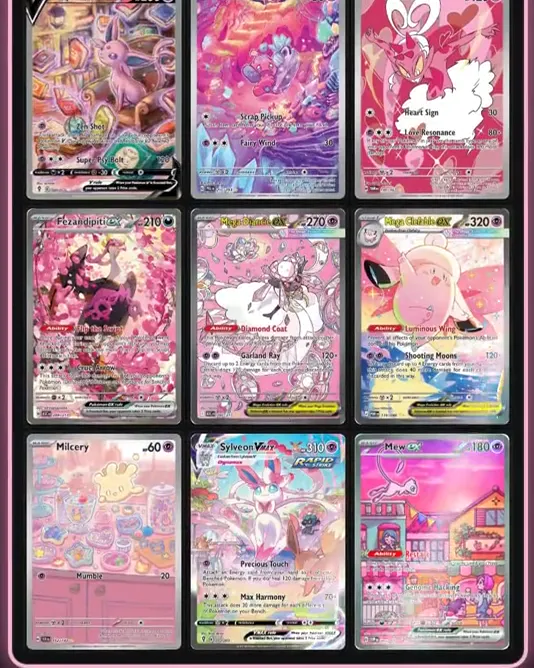
Lift the colors off a card and “Color Search” finds the cards with a matching palette, until the page reads in one shade.
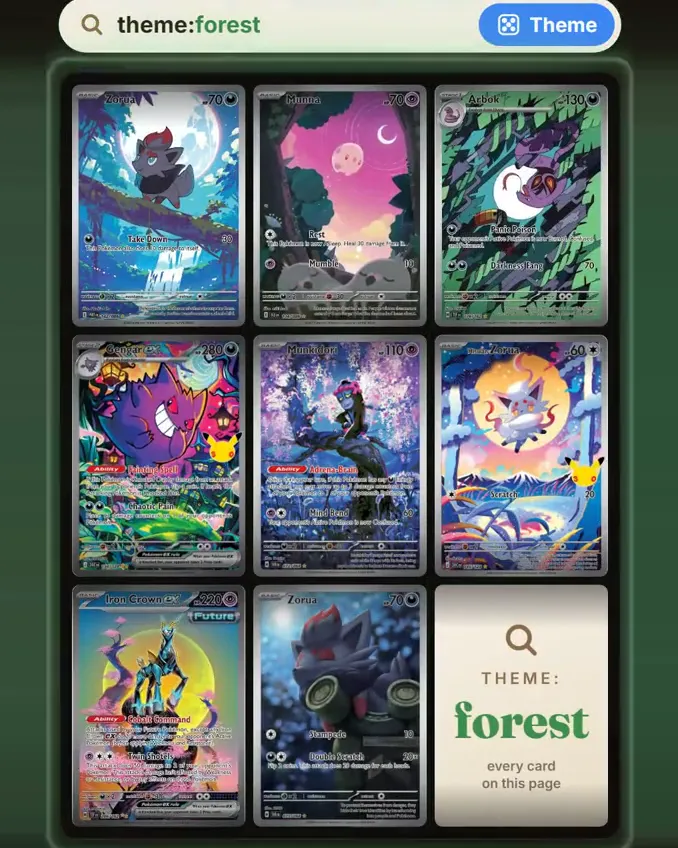
Type theme:forest + theme:moon and “Theme” searches what is drawn on the card, as specific as you like. Every English Pokémon card can be found by theme, live today. A page with one scene, top to bottom.
On a big screen
Every page down the side, the page you are building in the middle, your hand underneath, and the card browser beside it.

Real pocket sizes and rings, so what you see is what goes in the binder.
Cards wait in your hand until you drag them into a pocket. Undo is one tap away.
Browse by name, “Color Search” or “Theme” without leaving the page you are on.
Real binder physics
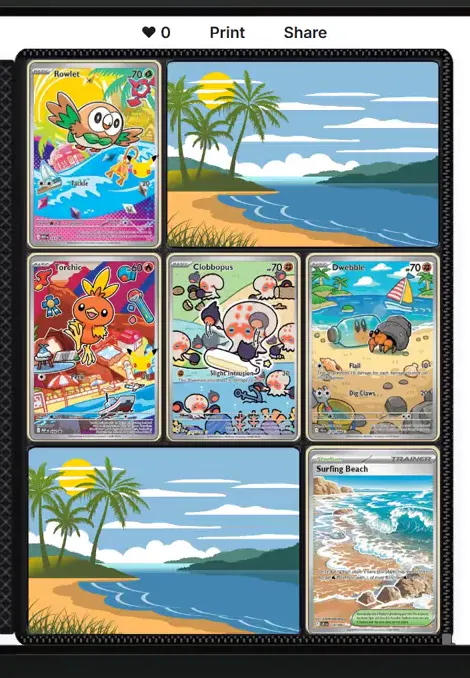
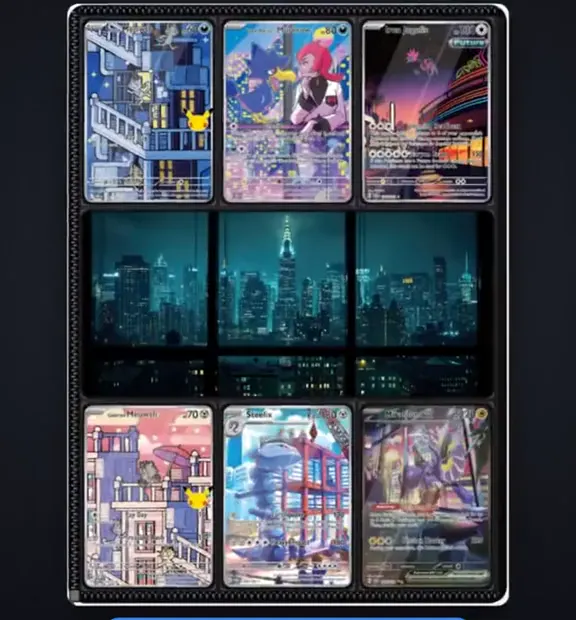
Pages come in real side-load sizes. Jumbo cards span four pockets, and art can cross the fold, exactly like the binder on your shelf.
Slice any picture across pockets in Slice Studio: aspect-true windows, rotate and flip. Card art, your own picture, or a free photo.
Sleeves and a background for every page, a cover with your own art and stickers, and a soundtrack. Keep it plain, or go all out.
Every pocket at once, or one page, or one pocket.
Start a “One artist” binder, type a name, and get a gallery of one illustrator’s cards, ready to arrange. These seven are all Tomokazu Komiya.
Your collection
Turn on “✓ Owned” and every card you don’t have shows a ring. Tap the ring and the card is marked owned; the set checklist counts it.
Reads like a book
Lava across the foldArt can run across both pages of a spread, just like folded art in a real binder.
PrintFill sheets, cut and sleeved.
From screen to sleeve
2.5″×3.5″
True card size, cut-ready.
Export any binder as fill sheets: your sliced art, placeholders for the cards you are still hunting, and inserts. Print, cut, slide into pockets. The page on your shelf matches the page on your screen.
Show it off
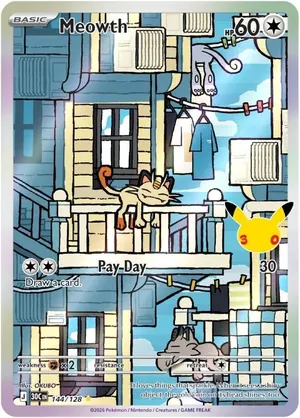
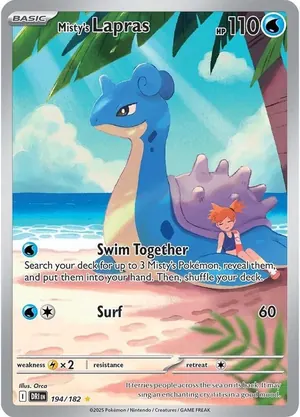
Pick it, build around it, print it. Sign in and your binders follow you between devices.
Free to start on the web.